Looking for a verified, secure way to install Among Us on your Android device? This comprehensive step-by-step tutorial guides you through safely downloading the official APK package, configuring Android sideloading permissions, verifying file checksum integrity, and solving common installation problems.
Published by Innersloth LLC in the Action & Shooter Games category, Among Us is designed to deliver seamless performance on Android smartphones and tablets. Whether you are installing the app for the first time or updating an existing installation to version 2.4.1, following this verified installation protocol ensures a secure, hassle-free setup without risking device security.
Quick Download Link
Get the authentic, malware-scanned APK package directly from the verified source with SHA-256 verification details.
Real In-Game Gameplay & Interface Preview
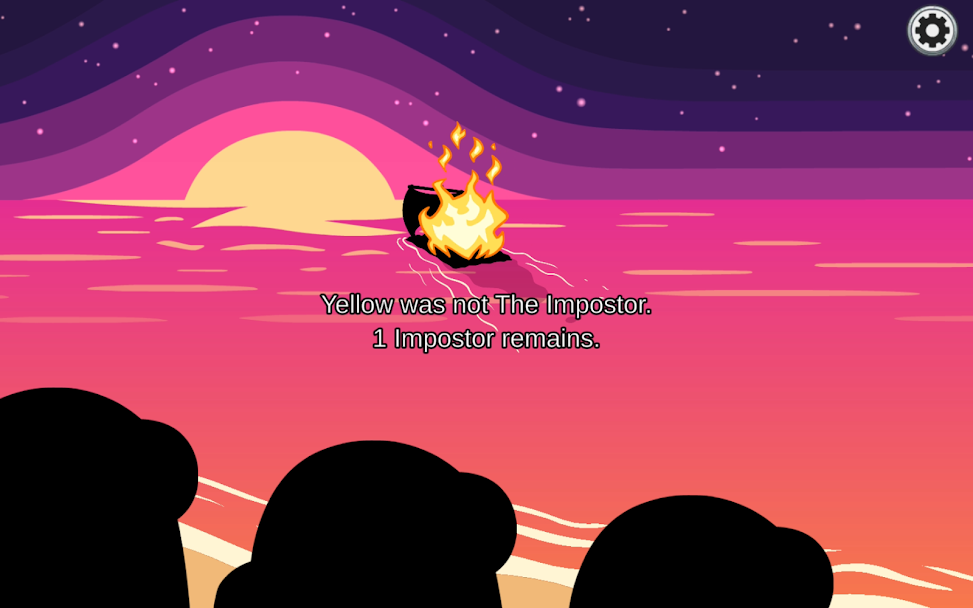
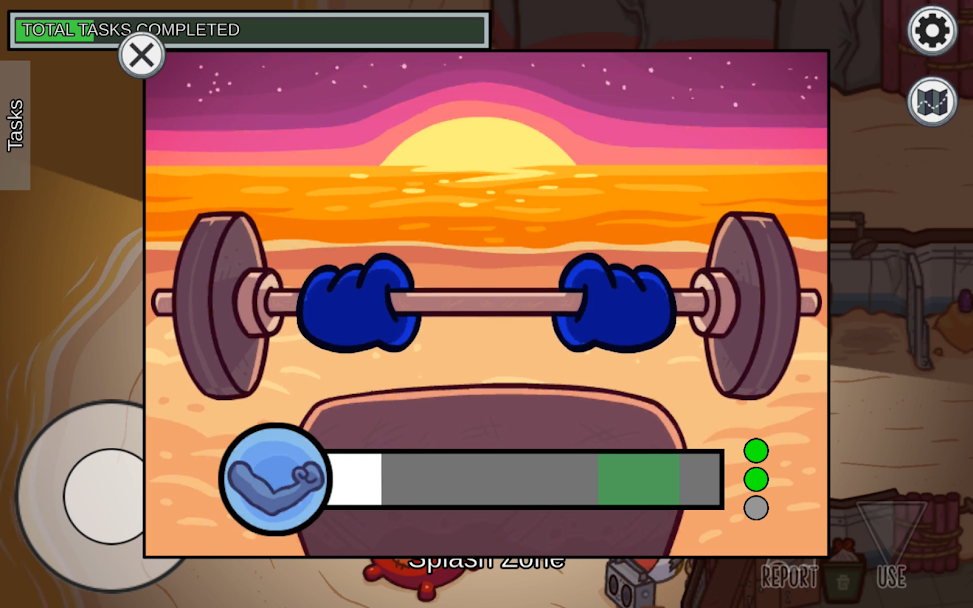
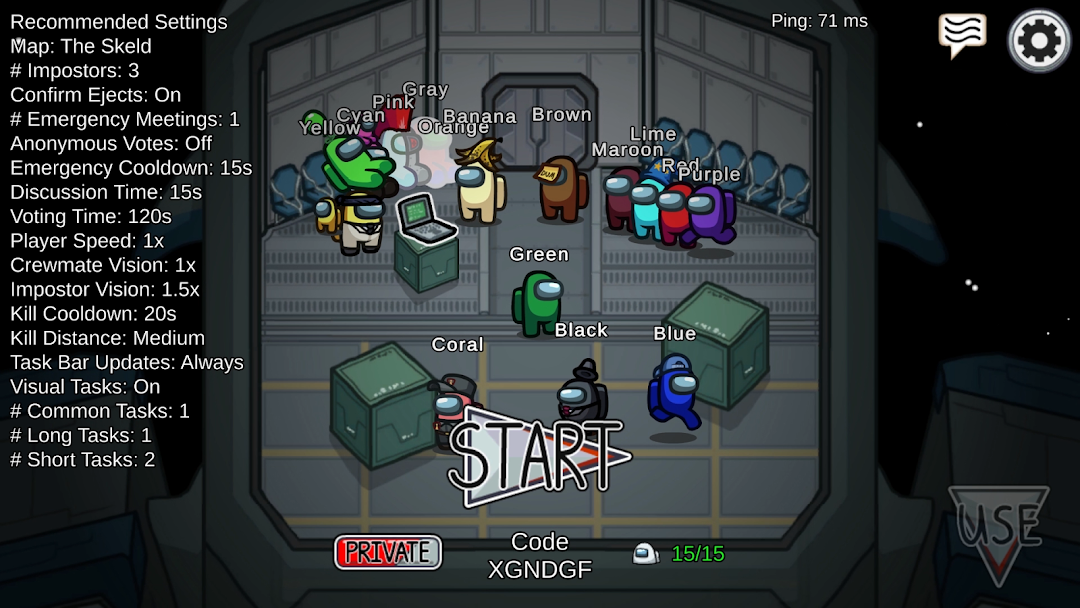
Before installing, explore authentic in-game screenshots captured directly from the official Android release of Among Us, illustrating spaceship lobby matchmaking, task completion, emergency meetings, and Impostor sabotage:
Android Sideloading Compatibility & Security Protocol
Unlike standard app store installations, manual APK sideloading requires specific system permissions. Review this security checklist before proceeding with installation:
- OS Requirement: Android 8.0 (Oreo) or later. Android 13, 14, and 15 require granting permission to your specific web browser or file manager rather than a system-wide toggle.
- Free Storage: At least 150 MB of free internal storage to accommodate both the downloaded APK archive and unpacked game cache assets.
- Architecture Support: Universal binary architecture supporting 64-bit ARM (ARM64-v8a), 32-bit ARM (armeabi-v7a), and x86_64 Android emulators.
- Cryptographic Verification: Cross-check SHA-256 hash match against the official package digest prior to package execution.
Step-by-Step Tutorial: How to Download & Install Among Us APK
Obtain the Official APK Package
Navigate to our verified Among Us Download Page. Click the primary download button to initiate the transfer of the genuine installation package.
Security Tip: Never download APK packages from untrusted forums or file lockers offering repackaged or modified binaries, as they may compromise your personal data. Always rely on verified distribution pages or Innersloth LLC's official channels.
Enable "Install Unknown Apps" in Android Settings
Modern Android versions (Android 8.0 Oreo through Android 14 and Android 15) manage sideloading permissions per application rather than with a global switch. Grant permission to your browser or file manager as follows:
- Open your device's Settings app.
- Scroll to Apps (or Apps & notifications) and tap Special app access.
- Select Install unknown apps from the list.
- Tap the application you used to download the file (e.g., Chrome, Firefox, or your Files manager).
- Toggle the switch next to Allow from this source to the ON position.
Verify File Integrity & Package Signatures
Before tapping the package, verify that the file downloaded completely and has not been altered in transit:
- Review the file name and compare the SHA-256 cryptographic checksum against the hash published on our Among Us file details page. You can use any free hash utility to confirm integrity, as explained in our guide on checking APK file integrity.
- Ensure Google Play Protect is enabled so Android automatically runs a real-time behavioral scan prior to installation.
Run the Installer & Review Permissions
Open your browser's Downloads list or your device's Files app, then tap the among-us.apk file:
- A system prompt will appear asking if you want to install Among Us. Tap Install.
- Wait a few moments while the Android Package Manager copies libraries, verifies certificates, and registers the app.
- When the installation finishes, tap Done or Open.
- Upon launching Among Us for the first time, review the runtime permissions requested to ensure they match expected features. For complete guidance on privacy controls, read our Android app permissions guide.
Mastering Among Us: Game Rules, Roles & Winning Strategies
Once you have installed Among Us on your Android device, mastering the core deduction dynamics between Crewmates and Impostors is essential for dominating both private friend lobbies and public games.
1. How to Play as an Elite Crewmate
As a Crewmate, your primary objective is to complete all assigned spaceship maintenance tasks or identify and vote out every Impostor aboard.
- Watch for Visual Tasks: Tasks such as MedBay Scan, Clear Asteroids (weapons), and Prime Shields produce visible animations on ship systems when enabled in lobby settings. Clearing a player who executes a visual task provides 100% confirmation of innocence.
- Fake Task Detection: Watch the task progress bar at the top-left of the screen. In standard settings, the bar increments only when a step or task finishes. If a player stands at a short task and the bar does not move when they walk away, note them as a suspect.
- Buddy System: Pair up with a verified innocent player during mid-game rounds. Impostors cannot eliminate either of you without being caught immediately by the survivor.
2. The Impostor Playbook: Art of Sabotage & Deception
Impostors must eliminate Crewmates until their numbers equal the remaining innocents, all while blending in and fabricating convincing alibis.
- Strategic Sabotage: Don't sabotage randomly. Trigger Reactor Meltdown or O2 Depletion on the opposite side of the ship from where you eliminated a crewmate to draw everyone away from the crime scene.
- Vent Mobility & Vision: Impostors possess wider vision in dark hallways and can travel between interconnected vents. Always ensure no crewmate is in the destination room before exiting a vent.
- Self-Reporting & Framing: In situations where you eliminate a player in an isolated corner, reporting the body yourself and blaming an absent player who was seen nearby can divert suspicion early on.
3. Recommended Lobby Settings for Balanced Competitive Play
For the optimal competitive experience with 10 to 15 players on Android, we recommend the following host lobby configuration:
- Player Speed: 1.25x (avoids awkward slow motion while preventing unreactable sprint kills).
- Kill Cooldown: 25 to 30 seconds (forces Impostors to plan kills strategically).
- Kill Distance: Short or Medium.
- Discussion Time: 15s Discussion, 90s Voting (allows thorough debate while preventing lobby stalling).
- Anonymous Votes: Enabled (prevents revenge voting and keeps deduction genuine).
Troubleshooting Common Android Installation Errors
If you encounter an error when attempting to install Among Us APK on your Android device, use these verified resolutions:
1. "Parse Error: There was a problem parsing the package"
This error occurs when the downloaded APK file is corrupt or incomplete, or if your device's Android OS version is lower than the minimum required (Android 8.0). To resolve: delete the downloaded file, ensure at least 200 MB free space, and re-download from our verified link using a stable Wi-Fi connection.
2. "App Not Installed" Error
This typically occurs when an older or conflicting signature version of Among Us is already on the phone. Back up your account credentials, uninstall the conflicting version, reboot your device, and install the new APK.
3. "Blocked by Google Play Protect"
When sideloading outside the Play Store, Play Protect may display a prompt stating the app source is unverified. Tap More details followed by Install anyway. Innersloth's official APK contains genuine cryptographic developer certificates and contains zero malicious payload.
4. "App Crashes on Launch or Black Screen"
Clear the application cache via Settings > Apps > Among Us > Storage > Clear Cache. Ensure your Android System WebView and Google Play Services are updated to the latest versions.
How to Safely Update Among Us Without Losing Data
When Innersloth issues a new update, you do not need to uninstall your current installation. Simply download the updated APK version from our site and tap Install. The Android Package Manager will verify that the signing certificate matches the installed app and overwrite the binary while preserving your user profile, cosmetic hats, beans, and game statistics.