
Joplin APK
An open source notes app that uses Markdown and lets you choose where your notes sync.
net.cozic.joplin
✓ 100% Verified Official Source. Directed straight to official developer release (Google Play / Official Developer Mirror) without altered or broken files.
- Developer
- Joplin
- Current version
- 3.1.8
- File size
- 71.6 MB
- Requires Android
- 7.0 or later
- Version updated
- 14 August 2026
- Category
- Productivity
- Price
- Free
- License
- Free, open source; optional paid Joplin Cloud
- Ads
- No ads
- Package name
net.cozic.joplin- User rating
- Official website
- joplinapp.org
Joplin Screenshots
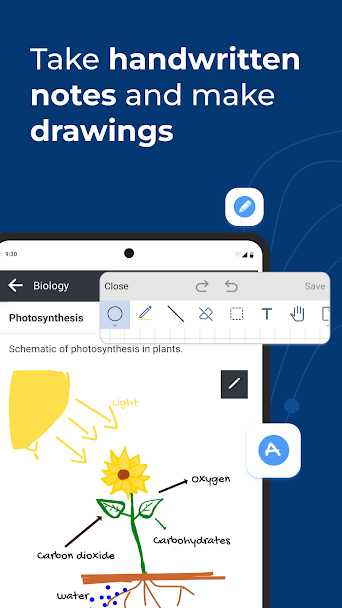
How to Download & Install Joplin APK
Need help setting up Joplin? Follow our detailed installation guide covering unknown source permissions, file hash verification (net.cozic.joplin), and fixes for common Android errors.
What Joplin does
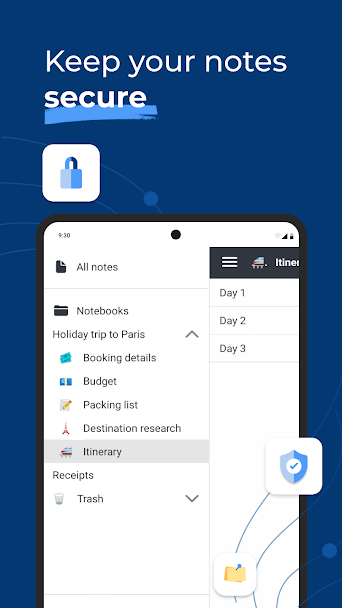
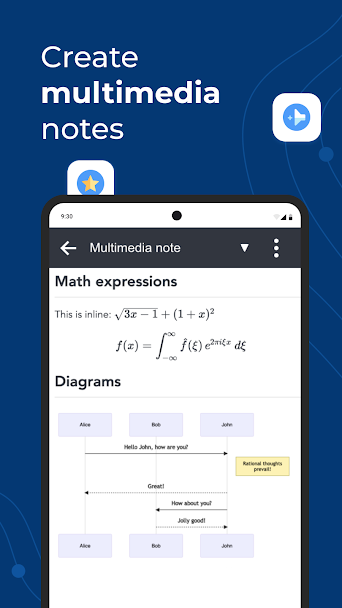
Joplin organises notes into notebooks and writes them in Markdown, a plain-text format. Since the notes are plain text underneath, they are easy to export and read in other tools later.
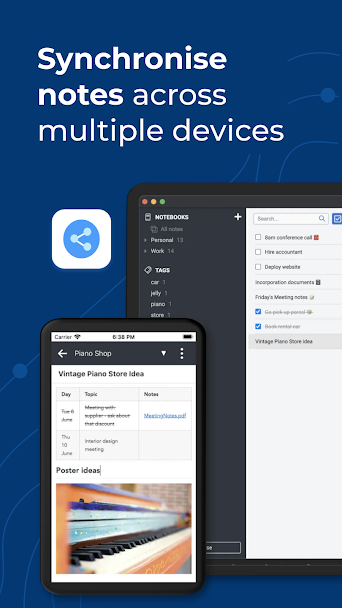
You choose the sync service: Joplin Cloud, Dropbox, OneDrive, Nextcloud, any WebDAV server, or a local folder. End-to-end encryption can be switched on, so the sync service only stores encrypted data.
It supports tags, to-do items, attachments and search across all notes. The mobile app is less polished than the desktop version, and the Markdown editor can feel unfamiliar if you have only used rich-text editors.
Who it's for
People who want control over where notes are stored, and anyone who already writes in Markdown.
Main features
- Notebooks, tags and to-do items
- Markdown editor
- Sync through Joplin Cloud, Dropbox, OneDrive, Nextcloud or WebDAV
- Optional end-to-end encryption
- Apps for Android, iPhone, Windows, macOS and Linux
Pros and cons
Pros
- You pick the sync provider
- Notes stay readable as Markdown
- Open source and free
Cons
- Mobile editor is basic
- Initial sync setup takes some effort
Compatibility and download information
Joplin needs Android 7.0 or later. The current version we've recorded is 3.1.8, released 14 August 2026. Offline use: notes are stored on the device and sync when connected.
An APK is hosted here with the developer's permission. See the Joplin APK download details for file size, SHA-256 hash and check results.
Permissions and privacy
- Network access to sync encrypted notes with cloud server
- Storage access to import and export Markdown files
- Camera (optional) to attach photos to notes
- Biometric hardware to open note vault with fingerprint
- Post notifications for note reminders
Source: Verified from Joplin open source repository manifest.
Read the Joplin privacy policy.
Joplin alternatives
- Google Keep: Google Keep is faster for short notes and shared shopping lists, with less setup.
- CamScanner: Provides similar tools in this category with an alternative interface and option layout.
- Adobe Acrobat Reader: Provides similar tools in this category with an alternative interface and option layout.
Comparisons
User reviews
No published reviews yet.
Version history
We have records for 3 versions. The latest recorded is 3.1.8.
Similar apps


Related guides
- How to Download & Install Joplin APK on Android (Complete Setup & Strategy Guide)
- How to Download & Install Todoist APK on Android (Complete Setup & Strategy Guide)
- How to Download & Install Forest Stay Focused APK on Android (Complete Setup & Strategy Guide)
- How to Download & Install TickTick APK on Android (Complete Setup & Strategy Guide)